


 :
:|
Quantity
|
Out of stock
|
||
|
|
|||
|
|
|||
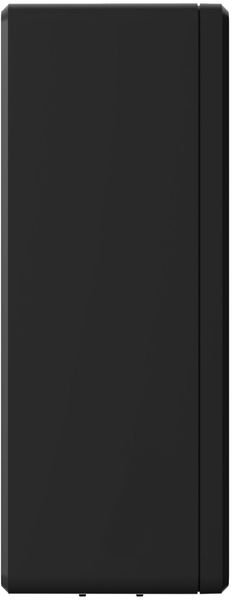
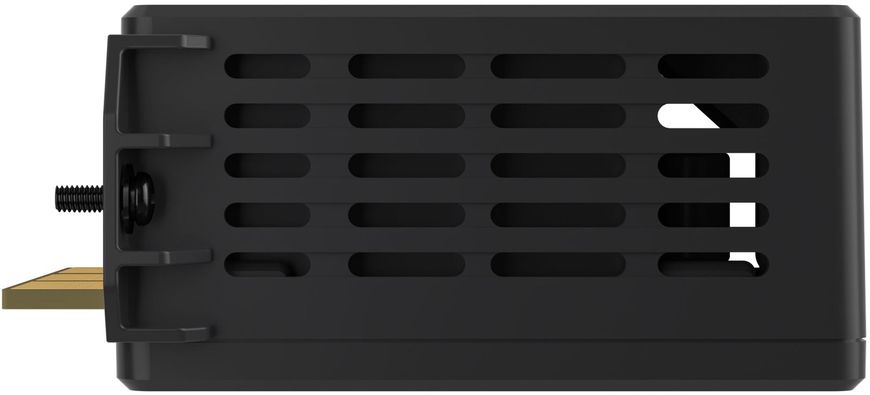
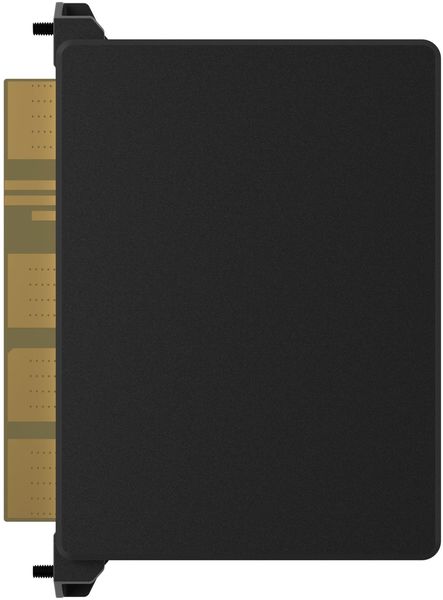
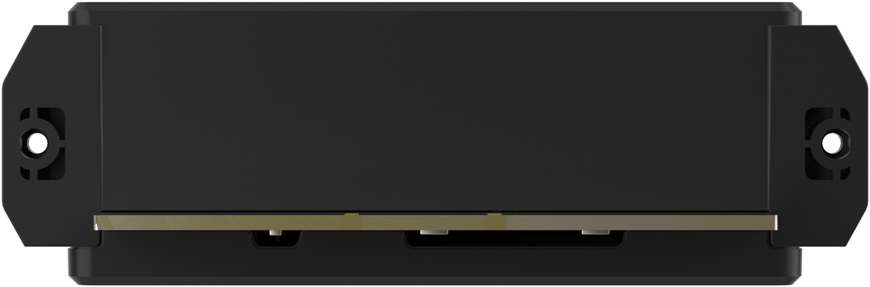
Variety is the key to success. The Smart Home Panel system connects up to 10 home electrical circuits for backup power with varying current ratings for different connected loads.
Easy installation. After consulting with an electrician and determining the backup loads, relay modules can be easily installed and replaced.
Replacement without affecting other circuits. Each module has two modules and a fuse for overcurrent protection for each circuit. This means you can replace one module without affecting other circuits. If you need to replace a relay module, the EcoFlow app and built-in LED will notify you of any errors.
How to choose
Load planning
The Smart Home Panel system places selective loads where they will be most effective during a power outage or energy saving management. Consider areas that significantly impact comfort, such as the refrigerator and lighting, and select up to 10 selective loads from your power distributor based on their efficiency in loading.
Collect load information
Determine the number and current rating of the load circuits you plan to connect. If you need assistance with this matter, please contact your electrician.
Identify the Relay Modules Needed
Select the relay module that matches the current rating for the current distributor located upstream of this load circuit.
How to Install
.png)
| STEP 1 Remove the screws from the bottom, side, and top of the Smart Home panel to remove its front portion. | STEP 2 Contractors should install the relay module in a location that matches the circuit they plan to use. | STEP 3 Secure the relay module by tightening the two screws. |
In the box:
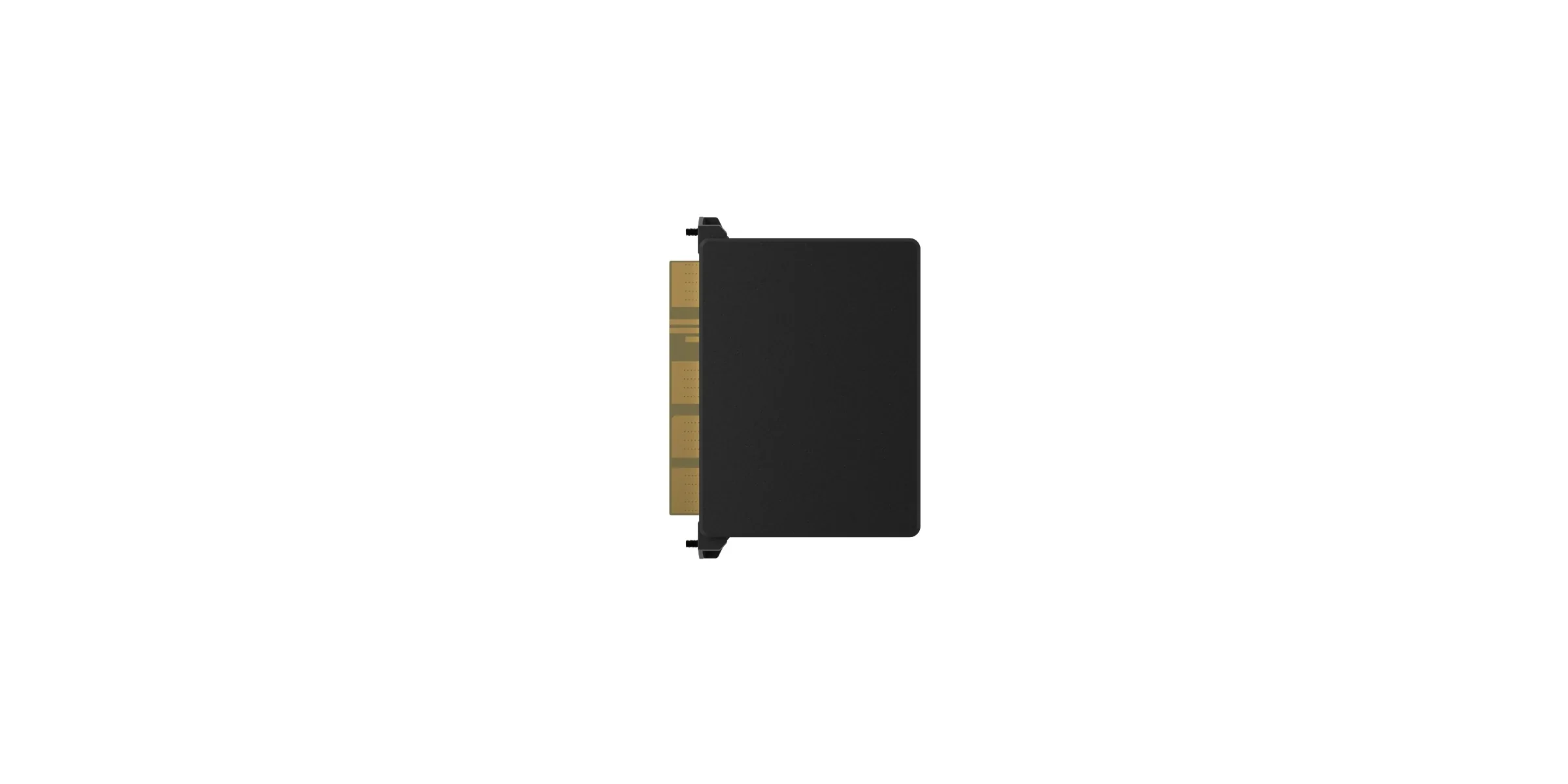
1. Relay Module (Smart Panel for Home Automation)
*"The manufacturer reserves the right to change the product's composition, configuration, color scheme, warranty period, technical specifications, etc. without prior notice. Therefore, the product description (technical specifications, configuration, and individual properties) may differ."